Abandoned cart recovery on WhatsApp: how it works and what to write in the message
 By Christian Alves, founder of SINOON
Abandoned cart recovery on WhatsApp works like this: the store detects that the customer left without paying and, after a short interval, sends a message with the product and a link to complete the purchase. The messages that work best ask what stopped the purchase (size, shipping, payment) and answer on the spot. Sending requires the customer's consent and the official WhatsApp API.
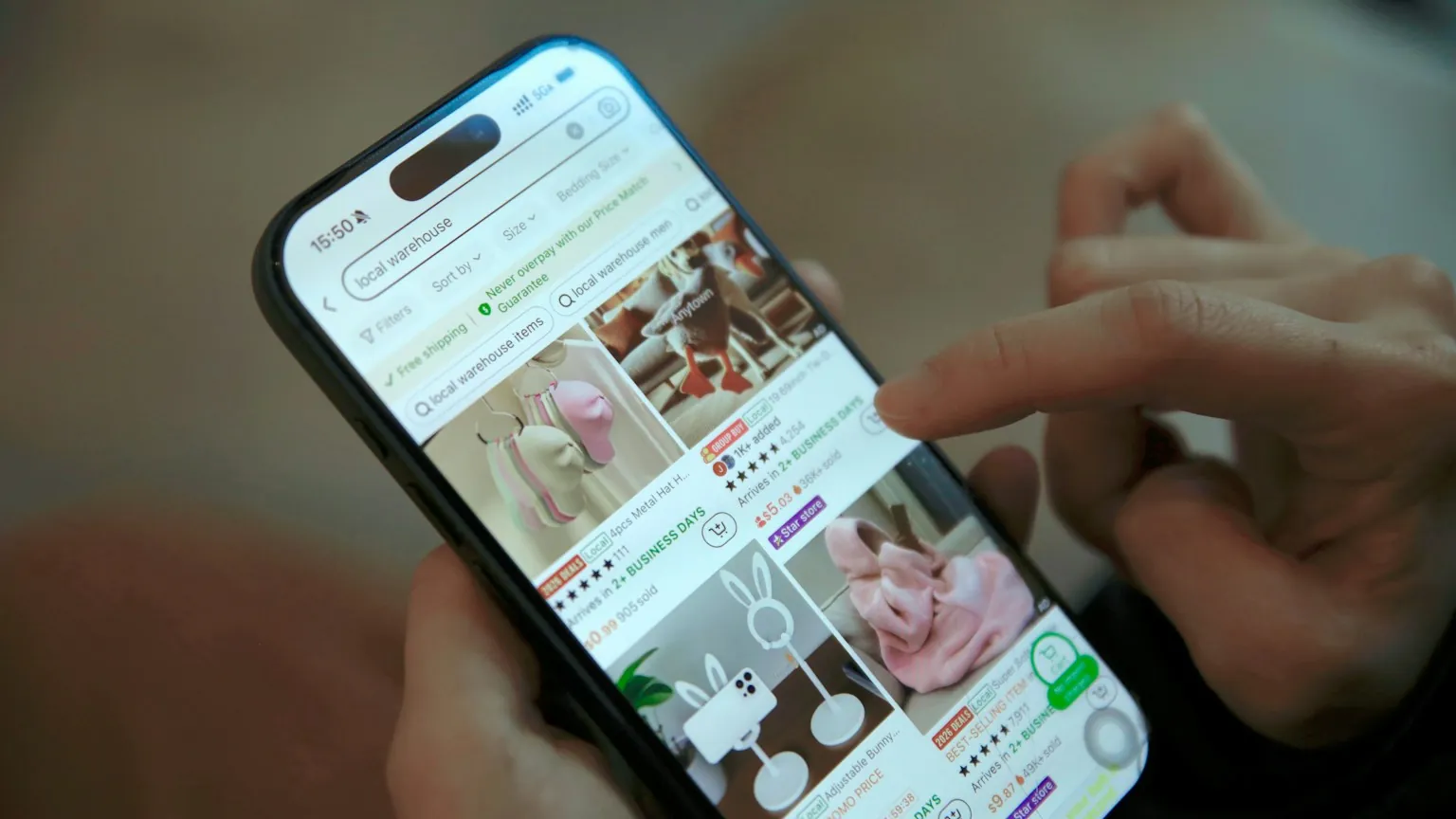
Why so many people abandon their cart
According to the Baymard Institute, which compiles dozens of studies on the topic, the average cart abandonment rate in e-commerce is close to 70%. Out of every ten people who put something in their cart, about seven leave without buying.
Part of that is unavoidable: people researching prices, comparing stores or saving the product for later. But another part is a sale almost made that got stuck on a detail: shipping more expensive than expected, a size question, the payment method, the delivery time. That's the part a good message recovers.
Why WhatsApp works better than email
The abandoned cart email still has its role, but it competes with dozens of promotions in the inbox. WhatsApp is where customers already chat every day, and it allows something email doesn't: a reply. If the question is about size, the customer asks and someone (or an agent) answers right away.
The sequence: when to send each message
A short sequence, with time between messages, recovers more and annoys less:
- ✓First message, 30 minutes to 2 hours after abandonment: a light reminder with the product and the link. Any sooner and the customer may still be comparing and feel watched.
- ✓Second message, about 24 hours later: ask what stopped the purchase and offer to help.
- ✓Third message, optional: a special offer (shipping or coupon) for higher-value carts. After that, stop.
- ✓Stop the sequence as soon as the customer buys or asks not to receive more messages.
Abandoned cart message templates
Replace what's in brackets with the cart details:
- ✓Reminder: "Hi, [name]! I noticed [product] is still in your cart. Here's the link to finish whenever you like: [link]"
- ✓Offer to help: "Hi, [name]! Any questions about [product]? I can help with size, delivery time or payment options."
- ✓Size question: "If you're unsure about the size, tell me what you usually wear and I'll recommend the right one from our size chart."
- ✓Shipping: "Shipping to your area is [amount] and arrives within [time] business days. Want me to send you the direct link?"
- ✓Special offer: "[name], I've unlocked free shipping on your order until 11:59 pm tomorrow. Just finish here: [link]"
The tone of the message
A conversational tone works better than an ad tone. Messages that are too formal, look automated or are full of words in capital letters get ignored more often. Write the way an attentive salesperson would: short, by name, with a question at the end.
Coupons: when they help and when they hurt
Offering a discount in every abandoned cart message teaches customers to abandon their cart on purpose to get a coupon, and it cuts margin even on people who would have bought anyway.
Use special offers selectively: in the last message of the sequence, for carts above a certain value, or when the identified reason is shipping. In most cases, answering the question sells more than the coupon.
Meta's rules and data protection for sending
Cart recovery on WhatsApp has clear rules, and ignoring them costs the store its number:
- ✓Consent: the customer must have agreed to receive messages from the store on WhatsApp, with the company name and the type of message made clear. The natural place for this is a checkbox at checkout.
- ✓Approved templates: store-initiated messages use templates approved by Meta. Messages with an offer are classified as marketing, and WhatsApp limits how many marketing messages each person receives.
- ✓The 24-hour window: when the customer replies, the conversation stays open for 24 hours for free-form replies, including from an AI agent.
- ✓Easy opt-out: make it clear how to stop receiving messages and respect the request.
- ✓Official API: sending in volume from a regular number, with unofficial tools, gets the number blocked.
The most common reasons and what to reply
Each reason for abandonment calls for a different answer:
- ✓High or unexpected shipping: show the cost and delivery time for their area right in the message, or say the order value above which shipping is free.
- ✓Size or model question: offer help with the size chart and recommend a size based on what the customer usually wears.
- ✓Payment method: explain the installment and instant payment options.
- ✓Delivery time: give the delivery time for their region and, if available, the faster delivery option.
- ✓Trust in the store: reinforce the return policy and the service channels.
Example of a full conversation
In practice, the recovery that converts best is a short conversation. Here is an example of how an agent handles it, with no coupon, just answering the question that stopped the purchase:
- ✓Store: "Hi, Juliana! I saw the denim jacket is still in your cart. Any questions about the size?"
- ✓Customer: "I couldn't decide between M and L."
- ✓Store: "Based on the size chart, if you wear a size 8 in pants, the M fits just right, with a slimmer cut. If you prefer it looser, go with the L. Want me to send the direct link with the M?"
- ✓Customer: "Yes please."
- ✓Store: "Here it is: [link]. And shipping to your area is free on this order."
Where the AI agent comes in
An abandoned cart automation sends the message. An AI agent talks to whoever replies: it checks the size chart, calculates shipping for their area, checks stock, suggests a similar product if the size is sold out and sends the right link. That's the difference between reminding the customer and serving the customer.
The same agent can answer questions about tracking and returns after the purchase and bring back people who bought once and disappeared. See how it works on the page about automation for e-commerce.
How to measure the result
Track the numbers every week. An automatic data intelligence report delivers this on WhatsApp without anyone building a spreadsheet:
- ✓Recovery rate: carts that turned into orders after the message, out of the carts that received a message.
- ✓Revenue recovered per week.
- ✓Reply rate: how many customers replied, even without buying. It shows which questions stop sales the most.
- ✓Opt-out requests: if they rise, the sequence is too pushy.
Frequently asked questions
How long after abandonment should I send the message?
Between 30 minutes and 2 hours for the first reminder, and about 24 hours for the second message. Any sooner and the customer may still be shopping or comparing.
Do I need the customer's consent to send abandoned cart messages?
Yes. WhatsApp's rules require opt-in for business-initiated messages, and data protection laws require a legal basis for using the customer's phone number. Include the consent at checkout.
Does it work with Shopify, WooCommerce, VTEX and other platforms?
Yes. The main platforms record abandoned carts and allow integration with official WhatsApp, through ready-made apps or a custom automation.
Should I always offer a coupon in the message?
No. A coupon in every message reduces margin and teaches customers to abandon their cart to get a discount. Save special offers for the last message or for high-value carts.
How many messages can I send for the same cart?
Two or three, spaced out, is the healthy limit. WhatsApp also limits marketing messages per person, and insisting increases blocks and reports.
See also
- SolutionE-commerce and Online RetailRecovered carts, tracking questions answered and lapsed customers back in the store.
- ServiceCustom AI AgentsWe build AI agents tailored to your process: customer service, lead qualification, follow-up, collections or whatever your business needs.
- ServiceData IntelligenceAsk your data questions in plain language, get automatic reports and be alerted when a number goes off track.
Put AI to work in your company
Talk to the SINOON team and find out which agent, squad or engagement makes sense for where you are now.